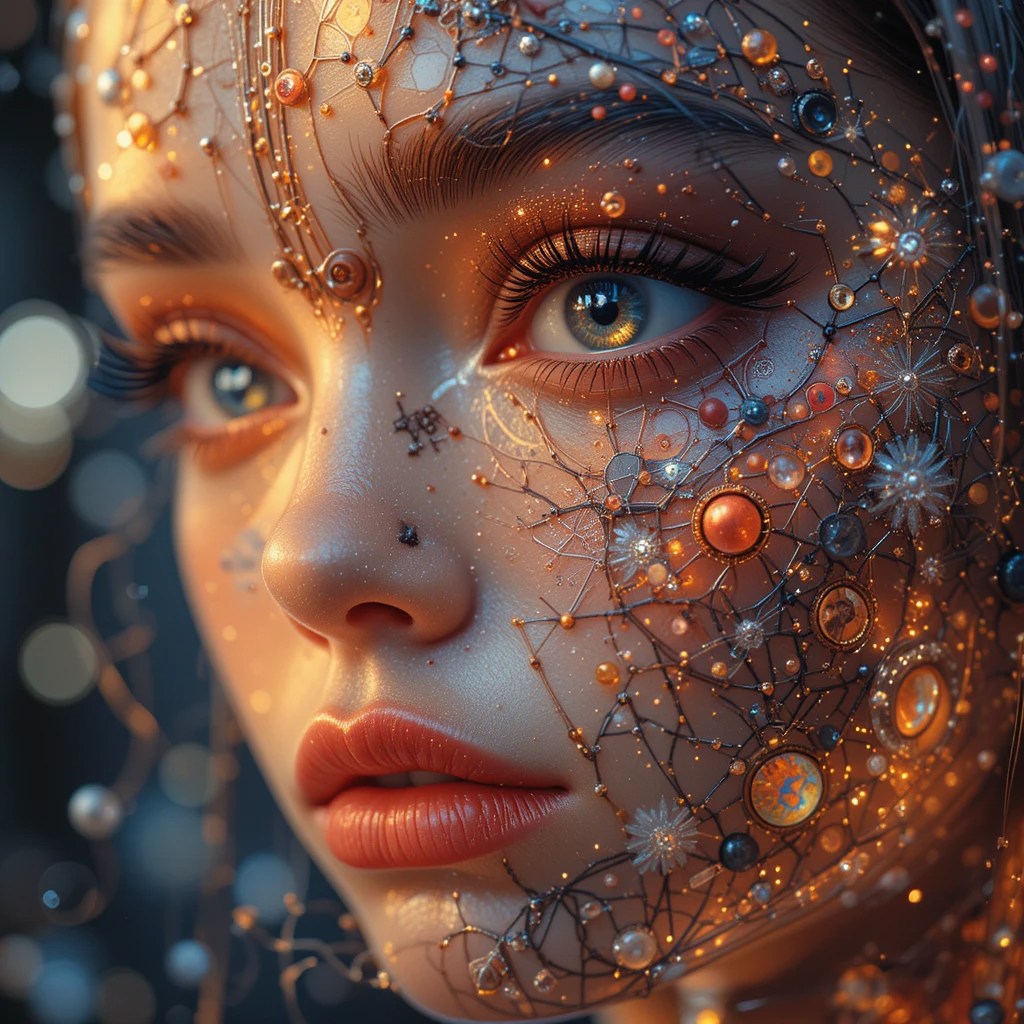
In today’s world, visuals are a critical part of communication. Whether it’s creating stunning designs for marketing campaigns, social media posts, or even personal projects, visuals have the power to grab attention and convey messages effectively. But not everyone has the skills or resources to hire a professional designer or create complex designs from scratch.
That’s where AI tools come in. Artificial intelligence has revolutionized design and content creation by making it more accessible, affordable, and efficient. From graphic design to image editing, AI tools can help anyone—from small business owners to hobbyists—create stunning visuals with minimal effort.
In this article, we’ll dive into the best AI tools for creating stunning visuals and explore how they can help you achieve your creative goals.
Why AI Tools Are Game-Changers for Visual Creation
AI-powered design tools have become game-changers for creators and businesses alike. Here’s why:
- Speed and Efficiency
AI tools can automate time-consuming tasks such as color correction, resizing images, and generating layouts. This speeds up the design process and allows creators to focus on more important aspects, such as creativity and strategy. - Accessibility for All Skill Levels
Many AI design tools are user-friendly and don’t require advanced design skills. This makes it easy for anyone—whether you’re a beginner or an expert—to create professional-looking visuals without hiring a designer. - Cost-Effectiveness
Hiring professional designers can be costly, especially for small businesses or personal projects. AI tools provide a budget-friendly alternative that offers many of the same benefits without the hefty price tag. - Consistency in Design
AI tools often come with pre-designed templates, color schemes, and fonts, helping users maintain consistency across different projects. This ensures your visuals have a cohesive and professional look.
Top AI Tools for Creating Stunning Visuals
1. Canva – The AI-Powered Graphic Design Tool
Canva is a well-known graphic design tool that incorporates AI to simplify the design process. With its drag-and-drop functionality, users can create anything from social media posts to business presentations. Canva’s AI-powered features include:
- Design Suggestions: Canva uses AI to recommend layouts, color schemes, and fonts based on your content.
- Automatic Resizing: The tool can automatically resize your designs to fit different social media platforms or print formats.
- Smart Templates: Canva provides thousands of customizable templates, helping you create stunning visuals quickly.
Whether you need an eye-catching flyer or a simple social media post, Canva is an excellent AI tool for creating professional visuals without the steep learning curve.
2. Adobe Sensei – AI for Advanced Design and Creativity
Adobe Sensei is Adobe’s AI and machine learning framework that powers many of its creative tools, such as Photoshop, Illustrator, and Premiere Pro. Adobe Sensei enhances creative workflows by automating tasks and providing advanced features, such as:
- Content-Aware Fill: This feature helps remove unwanted objects from photos by automatically filling in the missing areas.
- Image Recognition: Adobe Sensei can tag and categorize images using AI-based image recognition, making it easier to search through your assets.
- Facial Recognition and Retouching: The tool can identify faces and make adjustments, such as brightening teeth or smoothing skin, with a few clicks.
Adobe Sensei is perfect for professionals who need advanced design tools, but it’s also accessible for those who want to explore more sophisticated features.
3. DeepArt – Transform Photos into Art
DeepArt uses deep neural networks and AI to turn ordinary photos into stunning works of art. The tool applies artistic styles—like that of famous painters (e.g., Van Gogh, Picasso)—to your images, transforming them into a unique masterpiece.
Simply upload a photo, choose a style, and let DeepArt’s AI work its magic. This tool is ideal for creating visuals that stand out, whether it’s for social media content, art projects, or marketing materials.
4. Runway – AI for Video and Image Editing
Runway is a creative suite powered by AI, designed to make video and image editing easier and faster. It offers various AI tools that help create and edit visuals, such as:
- Text-to-Image: Generate images based on textual prompts, allowing you to create visuals that match specific themes or ideas.
- Object Detection: Detect and isolate objects in videos or images for easier editing.
- Background Removal: Automatically remove backgrounds from images with just one click.
Runway is a great tool for creators who need to work on both images and videos. Its AI capabilities make editing more efficient and less time-consuming.
5. Artbreeder – AI for Creating Stunning Portraits and Landscapes
Artbreeder uses AI to create and morph portraits, landscapes, and other types of images. By blending different images together, Artbreeder allows users to create unique artwork. Users can adjust sliders to modify features such as facial expressions, colors, and styles.
This AI tool is especially useful for artists, designers, and illustrators looking for inspiration or wanting to create personalized artwork quickly.
6. Fotor – AI for Photo Editing
Fotor is an easy-to-use photo editing tool with powerful AI features that make it simple to enhance images. Some of the AI features include:
- One-Tap Enhance: Instantly improve your photos with AI-powered adjustments to brightness, contrast, and color balance.
- Background Removal: Automatically remove the background from an image, making it perfect for creating marketing materials or social media posts.
- AI Portrait Retouching: Fotor can enhance portraits by smoothing skin, whitening teeth, and even adjusting makeup.
Whether you’re looking to touch up personal photos or create visuals for business purposes, Fotor’s AI features make photo editing accessible and efficient.
7. Lumen5 – AI for Video Creation
Lumen5 is an AI-powered video creation platform that helps users turn text-based content (such as blog posts or articles) into engaging videos. The AI automatically selects images, video clips, and music that match the content of the text, creating a professional-looking video in minutes.
Lumen5 is perfect for businesses, marketers, and content creators who need to produce video content quickly without the need for a professional video editing team.
8. Crello – AI Graphic Design Tool for Quick Creations
Crello is another AI-powered design tool similar to Canva, offering a wide range of templates and design elements for creating visuals like posters, banners, social media posts, and more. Its AI features help users generate designs that are visually appealing and suitable for different platforms.
Key features of Crello include:
- Animated Designs: Create dynamic visuals with AI-powered animation tools.
- Design Assistance: The AI helps you pick the best layouts and color schemes based on your content.
Crello is an excellent choice for entrepreneurs or small businesses looking to create professional visuals without the need for a designer.
Conclusion
AI tools have revolutionized the way visuals are created. Whether you’re a business owner, marketer, or content creator, these AI-powered platforms make it easy to produce high-quality designs, edit photos, and generate videos. With intuitive interfaces and powerful features, AI tools are perfect for anyone looking to create stunning visuals without the need for advanced design skills.
By leveraging these AI tools, you can enhance your creative process, save time, and deliver professional-looking results, all while staying within budget.
FAQs
- Are AI tools for visuals easy to use?
Yes, most AI tools for visuals are designed with user-friendliness in mind. They are accessible even for beginners who may not have design experience. - Can AI tools replace professional designers?
While AI tools can help create high-quality visuals, they may not replace the creativity and expertise of professional designers. However, they can be great for DIY design projects and small businesses. - How much do AI-powered design tools cost?
Many AI design tools offer free versions with limited features. Premium plans are typically affordable and provide additional features, making them accessible for businesses of all sizes. - Can AI tools help me create marketing materials?
Yes, AI tools like Canva and Crello are perfect for creating marketing materials such as banners, posters, and social media content. - Do I need any special skills to use AI-powered design tools?
No, AI design tools are user-friendly and require no special design skills. Most tools come with templates and guides to help you create stunning visuals effortlessly.