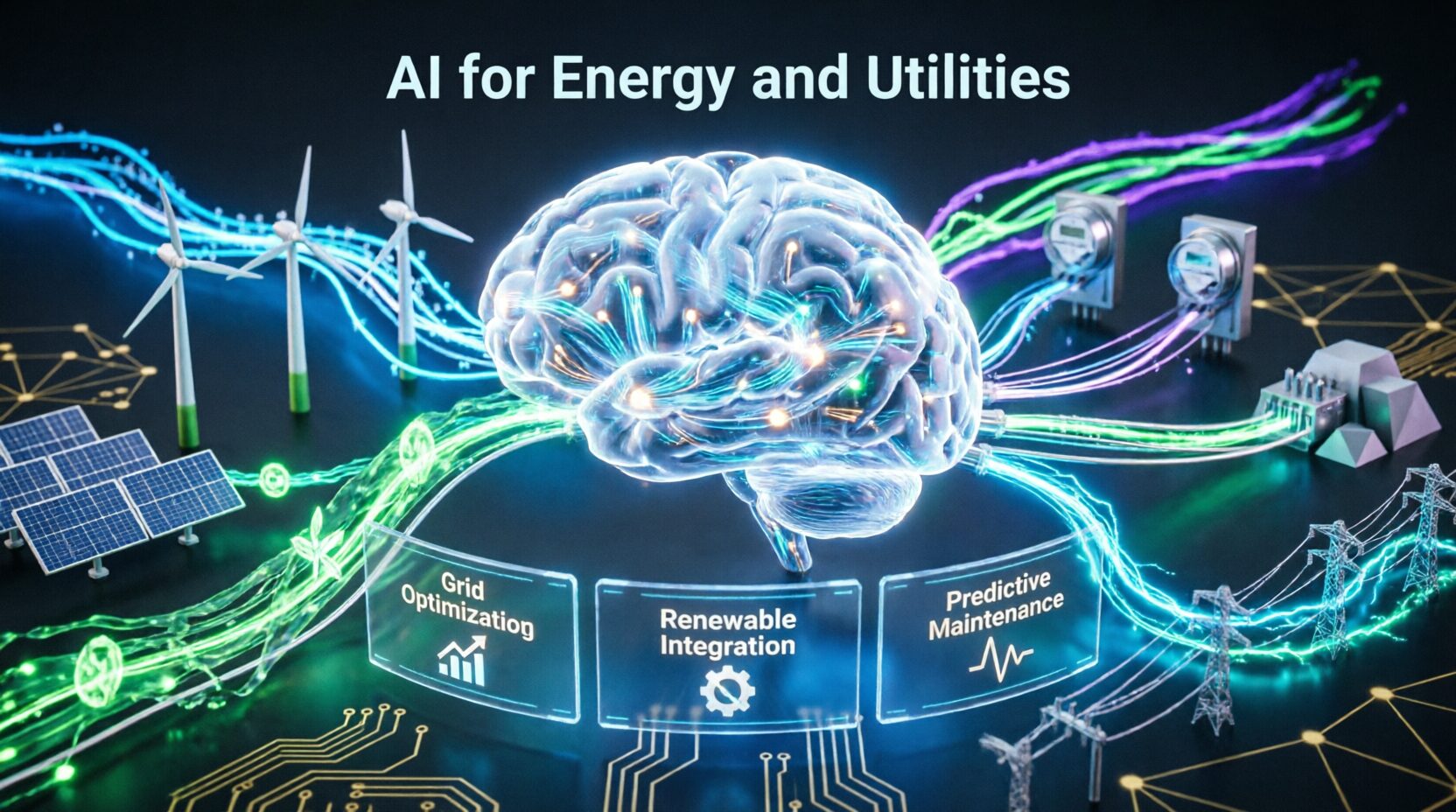
In today’s digital landscape, infographics have become an essential tool for presenting complex information in an engaging and visually appealing manner. Whether you’re a marketer, educator, or content creator, Visual Chart can boost engagement, simplify data visualization, and improve audience retention.
Thanks to AI-powered infographic tools, creating stunning visuals is now easier and faster than ever. These tools leverage artificial intelligence to automate design processes, suggest layouts, and enhance creativity—all without requiring advanced graphic design skills.
Why Use AI for Infographic Creation?
1. Time Efficiency
AI automates tedious design tasks, allowing users to create high-quality infographics in minutes instead of hours. Smart recommendations and auto-layout features streamline the process.
2. Customization
AI-powered tools offer customizable templates, letting users tweak colors, fonts, and elements to match their brand identity or creative vision.
3. Data Visualization
AI can automatically convert raw data into visually compelling charts, graphs, and diagrams, making information easier to digest and understand.
4. No Design Skills Required
With drag-and-drop functionality and AI-assisted design suggestions, even beginners can create professional-looking infographics without prior experience.
Top AI-Powered Infographic Tools
1. Canva AI
- AI-powered design suggestions for faster creation.
- Extensive library of templates and design elements.
- User-friendly drag-and-drop interface.
- Integrates with brand kits for consistency.
2. Visme
- AI-driven smart design recommendations.
- Interactive Visual Chart with animations.
- Collaboration features for team projects.
- Multiple export options for presentations and social media.
3. Piktochart
- AI-powered data visualization tools.
- Pre-made templates for different industries.
- Simple customization for non-designers.
- Supports infographic, presentation, and report creation.
4. Adobe Express (Formerly Spark)
- AI-generated infographic layouts and themes.
- Seamless integration with Adobe Creative Cloud.
- Professional-grade design tools with intuitive controls.
- Cloud storage for easy access and sharing.
5. Venngage
- AI-powered content structuring and recommendations.
- Custom branding options for businesses.
- Easy-to-use interface with pre-designed templates.
- Advanced data visualization features.
How to Choose the Right AI Infographic Tool?
1. Ease of Use
Look for a AI tools with a simple, intuitive interface that doesn’t require extensive learning.
2. Features
Ensure the tool offers AI-powered templates, smart design suggestions, and automation to speed up your workflow.
3. Pricing
Compare free and premium versions to find a tool that fits your budget while providing the necessary features.
4. Integration
Choose a tool that integrates with other design platforms, social media, and content management systems for seamless workflow automation.
Tips for Creating Engaging AI-Generated Infographics
- Use bold colors and eye-catching fonts to make key points stand out.
- Keep text minimal and focus on visual storytelling for better engagement.
- Ensure mobile-friendly designs so they look great on all screen sizes.
- Incorporate charts, icons, and high-quality images to enhance readability.
- Optimize for SEO with keyword-rich file names, alt text, and meta descriptions.
Future of AI in Infographic Design
AI continues to revolutionize graphic design by introducing features such as:
- Automated design recommendations based on industry trends.
- Real-time data visualization that updates automatically.
- AI-driven personalization to create targeted content for different audiences.
As AI technology advances, we can expect even more sophisticated tools that further simplify and enhance the Visual Chart creation process.
Conclusion
AI-powered infographic tools have transformed the way we create visual content, making it easier, faster, and more effective. Whether you’re a professional designer or a beginner, these tools offer the perfect balance of automation and customization to help you create stunning visuals effortlessly.
By leveraging the right AI infographic tool, you can enhance your content marketing strategy, improve audience engagement, and communicate complex ideas with clarity and impact.
FAQs
Q1: What is the best AI tool for creating infographics?
A: Canva AI, Visme, Piktochart, and Venngage are some of the top-rated AI infographic tools.
Q2: Are AI infographic tools free to use?
A: Many tools offer free versions with basic features, while premium plans provide access to advanced customization and design options.
Q3: Can AI create custom Visual Chart designs?
A: Yes, AI-powered tools allow full customization, including colors, fonts, layouts, and icons to match branding needs.
Q4: Do I need graphic design skills to use AI Visual Chart tools?
A: No, AI tools are user-friendly and automate most of the design process, making them ideal for beginners and professionals alike.
Q5: How do AI tools improve infographic creation?
A: AI tools automate layout design, suggest templates, enhance visual appeal, and allow quick modifications, saving time and effort.